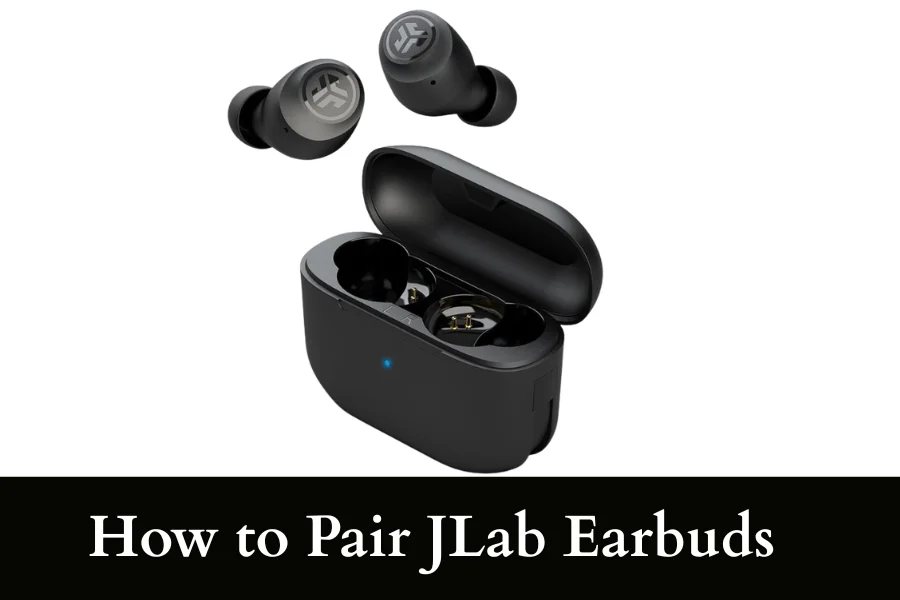
How to Pair JLab Earbuds? 3 Super Simple Steps (With Tips)
If you want to learn how to pair JLab earbuds, then we’ve got you covered. This is what to do:
- First, make sure your JLab earbuds are fully charged or have enough battery to power on properly. Then, take the earbuds out of the charging case.
- If the earbuds don’t turn on, press and hold the touch sensors or buttons on both earbuds for a few seconds until you see a blinking light. This means the pairing mode is active.
- Turn on Bluetooth on your phone, tablet, or laptop from the settings menu and look for the name of your JLab earbuds (for example, “JLab Go Air,” “JLab JBuds,” etc.).
- Tap on the name to connect. Wait a few seconds until it shows “Connected.” Once paired, you will hear a confirmation sound in the earbuds, and they are ready to use.
Simple, right?
Now, it’s time for a detailed explanation.
Steps on How to Pair JLab Earbuds to Android and iPhone
One thing you need to keep in mind before you go ahead and learn the steps is that the process of connecting is different for each earbud model.
If you have the new JLab Wireless earbuds, then your pairing process will be slightly different than the older models. The core steps remain the same.
Given below is a list of instructions on how to pair your JLab earbuds:
Step 1 – Activate Pairing Mode
First, we will be explaining how to turn on the pairing mode on the modern true wireless earbuds. For these, you have to take out the jLab earbuds from the case.
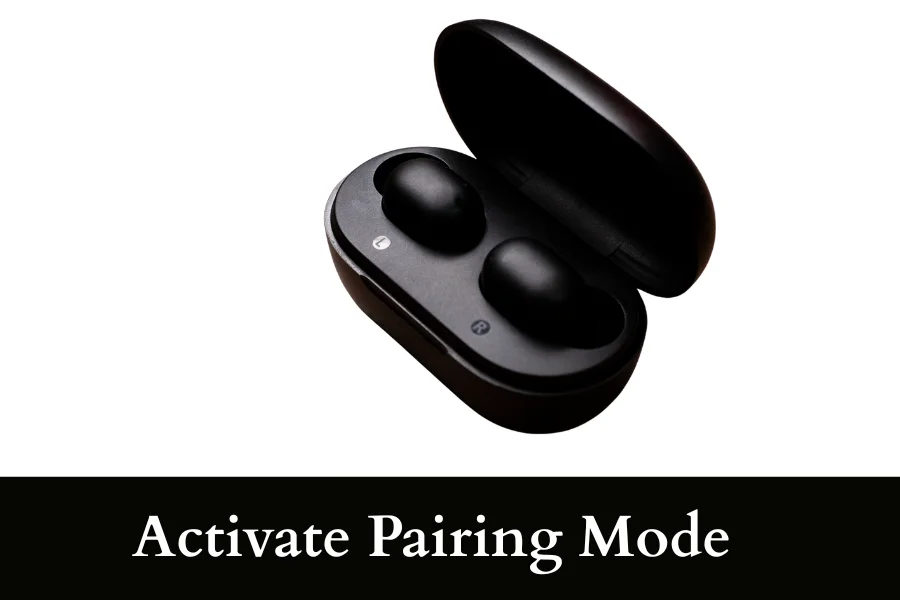
The pairing mode automatically gets turned on once the earbuds are out of the case. Once the earbuds are out, they will both sync to each other, and the light on the earbud will blink in different colors.
For the Older JLab models, you need to take both earbuds out of the case and then continue to press the buttons present on them for a few seconds. The earbuds are paired once the buttons are pressed.
Step 2 – Open Bluetooth and Connect
Android and iPhone both have similar steps for this part; all you need to do is open the settings app present on the home page and search for the connections section.
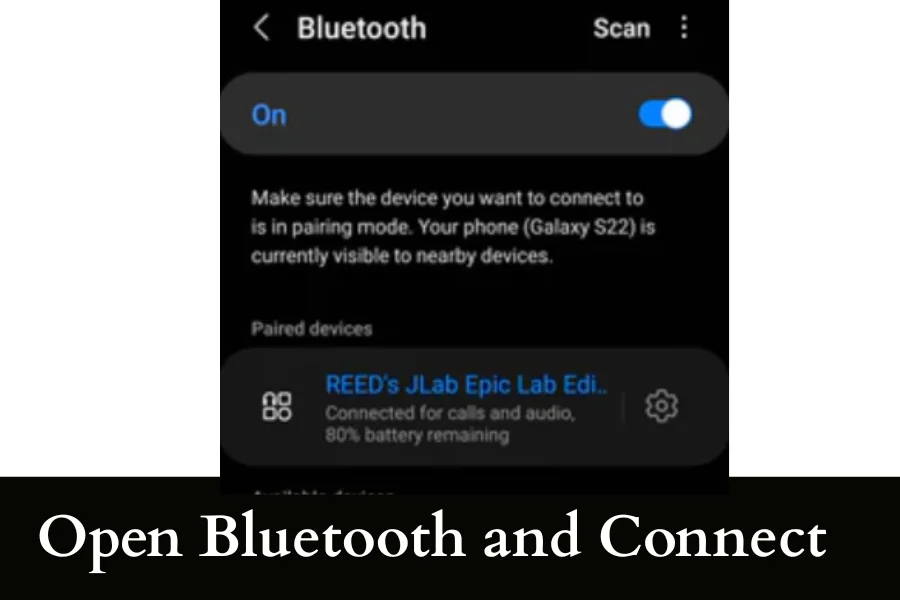
In that section, there will be a Bluetooth menu present; you just need to scroll down and check for the other devices. Once your earbuds are present there, you can just click on them. This will allow your earbuds to connect to your personal device.
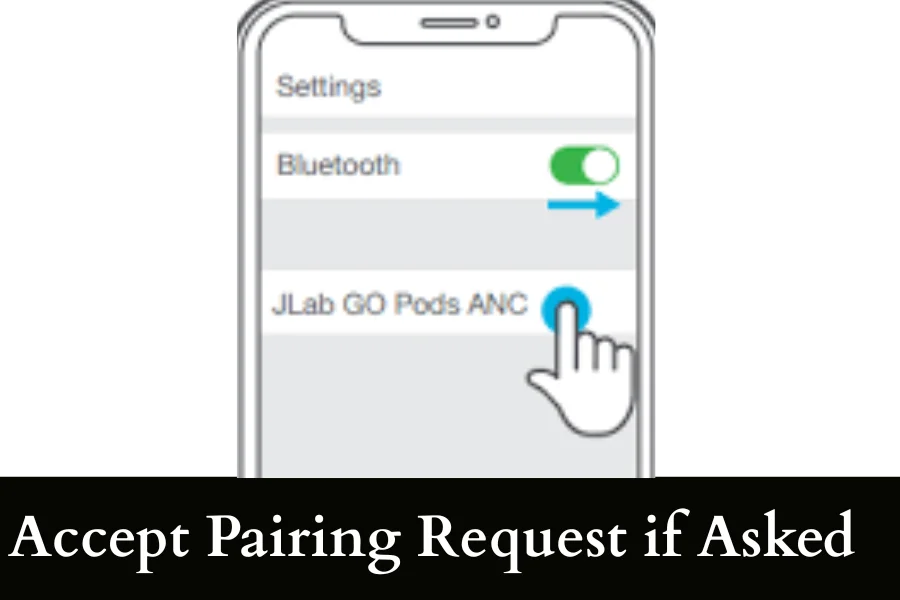
Step 3 – Accept Pairing Request if Asked
If your device asks you to confirm the pairing of the earbuds with your device, you need to do just that. When the pairing button appears, you have to click on it to complete the process.
Now you can play anything of your choice on them and enjoy your time. To disconnect the jLab earbuds, you only have to turn off the Bluetooth.
If you also have Bose earbuds, then you must have now realized that the process is the same as connecting Bose earbuds to an iPhone.
Can JLab Earbuds Be Connected to Smart TVs or Gaming Consoles?
The JLab earbuds allow users to connect their earbuds to any Smart TVs or Gaming Consoles. To connect the earbuds to Smart TVs, you need to turn on the pairing mode as usual and then go to the TV’s settings and find the audio output section.
Once you are in the sound section, you have to scan for your Bluetooth and connect your JLab model to the device. The gaming consoles have different connection processes depending on the consoles being used.
Nintendo, PlayStation, or Xbox all have a slightly different method of connection.
What Causes jLab Earbuds Connection Problems
| Cause | Explanation | Simple Fix |
|---|---|---|
| Bluetooth not turned on | The device you are trying to connect to may have Bluetooth disabled | Turn Bluetooth ON from settings |
| Earbuds not in pairing mode | Earbuds may not be discoverable if not properly reset or activated | Take them out of case and hold buttons until LED flashes |
| Low battery | Weak battery can interrupt stable connection | Charge earbuds fully before pairing |
| Too far from device | Bluetooth range is limited and weak signals cause drops | Keep earbuds within 1–10 meters of device |
| Previously connected device interference | Earbuds may auto-connect to another saved device | Turn off Bluetooth on other nearby devices |
| Software glitch | Temporary bugs in earbuds or phone Bluetooth system | Restart both earbuds and device |
| Outdated device Bluetooth | Old Bluetooth versions may not support stable pairing | Update device software if possible |
| Physical obstruction | Walls or objects can weaken signal strength | Use earbuds in open space for better connection |
How to Factory Reset the JLab Earbuds
Do the following to completely factory reset the earbuds in case of any issues:
- Open your Bluetooth settings and remove the earbuds from the paired devices list to disconnect them completely.
- Put both of the earbuds back in their charging case and keep the lid of the base open
- Tap the touch sensor button. Do it on both earbuds for exactly seven times. This is a crucial step that is used to reset the earbuds.
- Take out the earbuds and let them sync with each other again. That’s it! Your factory reset was successful.
Conclusion
JLab earbuds are simple to figure out and connect. You don’t need to worry about figuring them out by yourself, as we are here to help you and teach you how to pair the JLab earbuds. So the pairing process goes like this: first, you take out the earbuds. After that, you have to wait till they sync.
Open Bluetooth and scroll down to the Bluetooth section and find the JLab earbuds under other devices. and pick your earbuds, as well as the final step of allowing them permission to connect to your device.
By following these steps, you can make sure there are no connection issues and that everything goes smoothly.