How to Connect Samsung Earbuds to an iPhone in 3 Steps
Navigating Samsung earbuds can be a tricky task if you have never used such technology before. It can be hard, but I’m here to help.
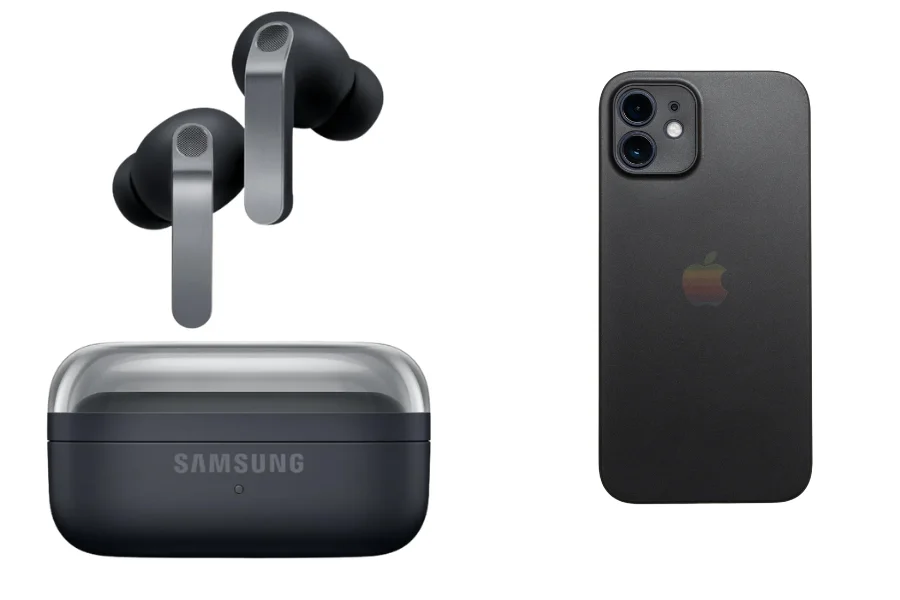
You can connect Samsung earbuds to an iPhone just like any other Bluetooth device. The process only takes a minute and works with most Galaxy Buds models.
This is how to connect Samsung earbuds to an iPhone:
- Step 1: Place the earbuds in their charging case and keep the lid open. Touch and hold both earbuds for a few seconds until the small light starts flashing. This shows the earbuds are ready to connect.
- Step 2: Open Settings on your Apple iPhone and tap Bluetooth. Make sure Bluetooth is switched on so the phone can search for nearby devices.
- Step 3: Wait for your Samsung earbuds to appear in the device list, then tap their name to connect. After a few seconds, the earbuds will pair with the iPhone and be ready for calls, music, and videos.
For a detailed step-by-step guide, stick to the end.
How to Connect Samsung Earbuds to an iPhone? 3 Steps
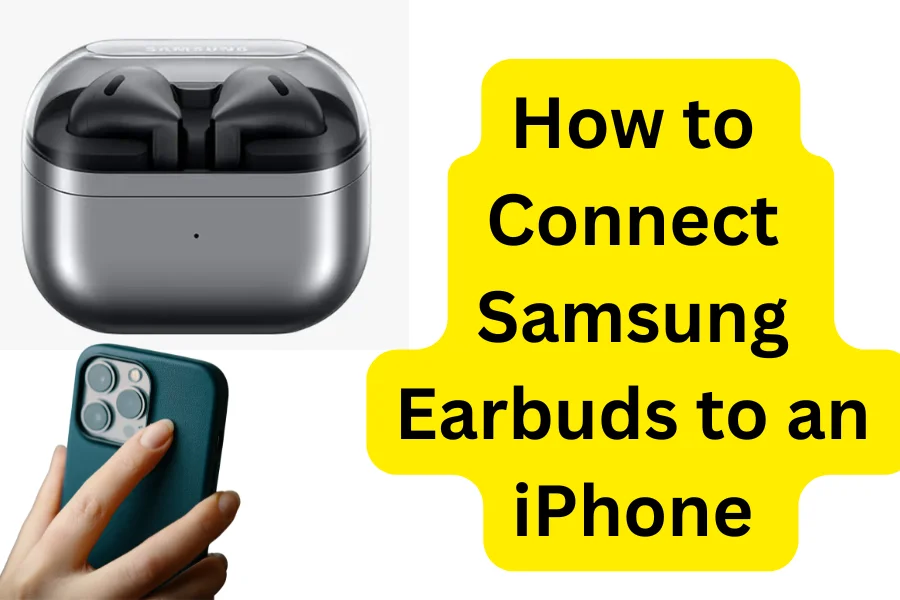
If you recently bought Samsung earbuds and want to use them with your iPhone, the setup process is quick and easy. Most Samsung Galaxy Buds work smoothly with iPhones through Bluetooth.
To connect Samsung earbuds to an iPhone:
- Put Your Samsung Earbuds in Pairing Mode: Start by placing both earbuds inside the charging case. Open the lid and press and hold the touch sensors on the earbuds for a few seconds until the indicator light begins flashing.
- Turn On Bluetooth on Your iPhone: On your Apple iPhone, open Settings, tap Bluetooth, and make sure Bluetooth is enabled.
- Connect the Samsung Earbuds: When your Samsung earbuds appear in the list of available devices, tap their name to connect.
Simple, right?
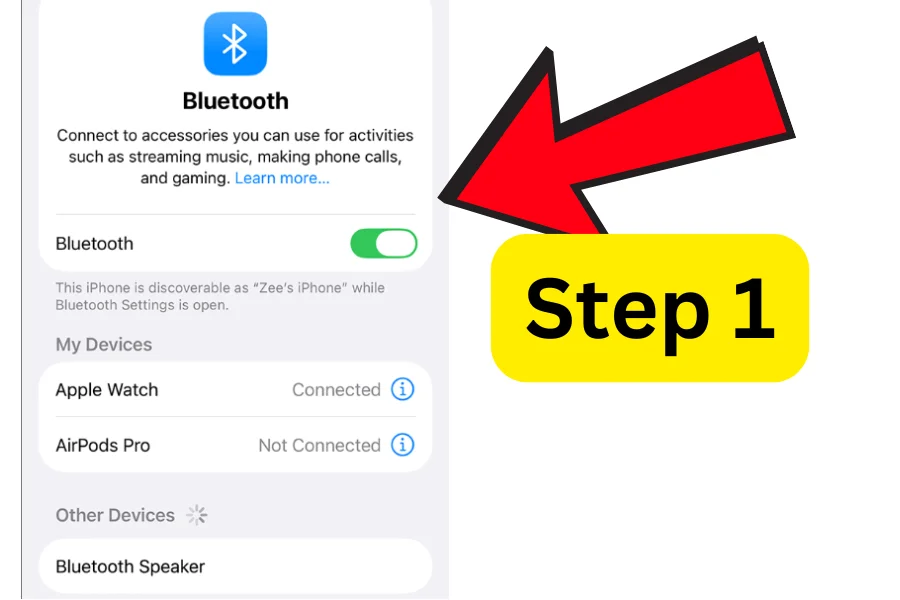
Step 1 – Turn the Bluetooth Toggle on
The first step to connect the Samsung earbuds to your iPhone is to turn your Bluetooth on. So unlock your iPhone with your PIN or biometrics, then open the Settings app and go to Bluetooth. Visit its Bluetooth menu.
Proceed to give it permission to turn on Bluetooth and wait for it to start scanning for your earbuds. You have to ensure that the Bluetooth is actually on, as people are often forgetful and sometimes don’t do this step.
Step 2 – Let the Earbuds Pair
The second step is to let the earbuds pair with the iPhone. For this purpose, the pairing mode must be turned on. The pairing mode is automatically turned on as the earbuds leave the charging case.
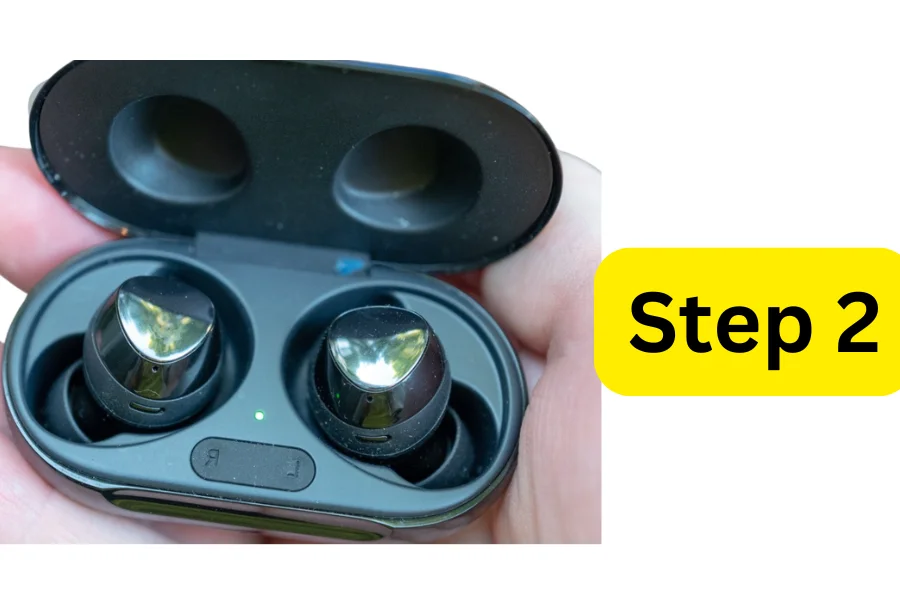
If the pairing mode does not start by itself already, you can try a different method to eventually trigger pairing. What you need to do is press the button on both of the earbuds for a few seconds. This will manually trigger pairing mode.
Step 3 – Allow the Connection to Happen
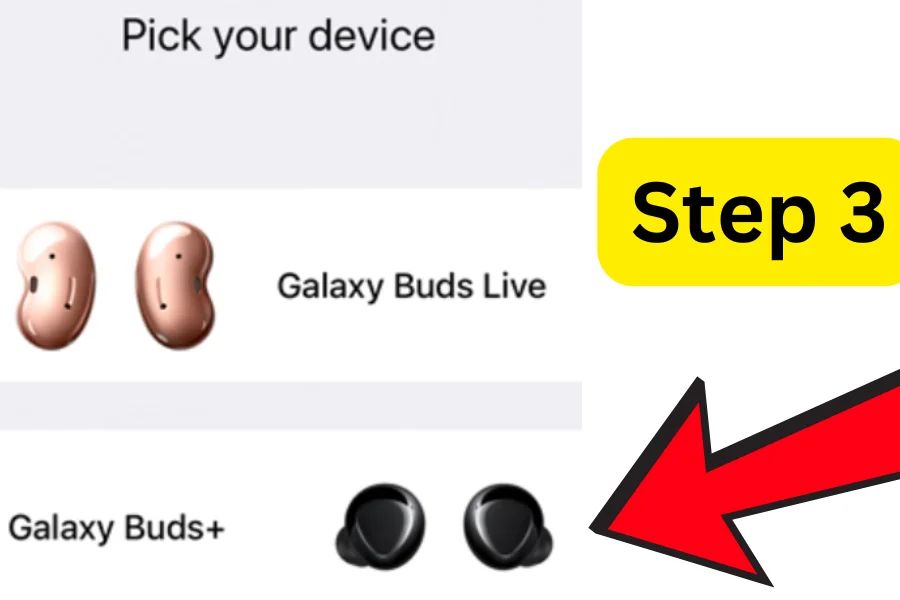
The final step is to let the Samsung earbuds connect with the iPhone. Once the pairing mode gets powered on, the user has to select their earbuds model on the Bluetooth “other devices” option.
After the user picks their correct model of Samsung earbuds, the pairing will be officially completed. Now you can use your earbuds for whatever you like, whether it’s enjoying audio, chatting with others, or anything else, like listening to podcasts.
To disconnect the Samsung earbuds, you can either put them back in the case or you can turn off the Bluetooth.
Why are My Samsung Earbuds Not Connecting with the iPhone?
Are you bothered because your iPhone is not connecting with your Samsung earbuds? These are some reasons why it might be happening:
- If your earbuds have been connected to a device before and the Bluetooth is still on, the connection will not be terminated. You have to disconnect the earbuds and attempt to reconnect with your iPhone to actually pair them together.
- Another issue that doesn’t allow your earbuds to pair with your device is if the pairing mode is having issues. Pairing is the main connection of your earbuds with the device. If there’s any issue with the pairing mode, you can reset the earbuds and retry.
If nothing works, chances are your Samsung earbuds are no longer in good shape. If you want a new audio gadget, then read this Groovz earbuds review. Maybe these are the ones you need right now.
Why is Your Samsung Earbud Beeping Randomly and How to Fix it?
Samsung earbuds have unique features that serve their specific purpose. If you notice your earbuds beeping, this might be why.
Beeping is a sign that your battery is low and you need to charge the earbuds. To let them charge, what you have to do is place them back in their charging case and connect the case to the charger.
If there is any kind of buildup on the sensors, then the earbuds might start beeping randomly. This is not a serious issue, and you can fix this by cleaning the earbuds gently to remove any kind of unwanted dirt, sweat, or earwax.
Tips to Extend Samsung Earbuds Battery Performance
Here are some battery care tips to keep your earbuds running for a longer period.
- Do not use features that take too much toll on the battery. Avoid any noise-cancelling controls, turn off the 360 audio completely, and don’t use the lighting of the earbuds’ LED.
- Use low volume to save battery. High volume consumes way more battery as compared to low volume, thus using the earbuds at 50% is ideal.
- Never let your earbuds stay on the charger for overnight. This damages the battery and has a negative effect on its performance.
Is it Possible to Switch Samsung Earbuds Between 2 Devices?
This is a really commonly asked question, as people worry that once you connect your earbuds to one device, like an iPhone, you won’t be able to connect to another device. But no, that’s wrong.
You can switch Samsung earbuds between two devices and have absolutely no problem. You can follow the manual steps to connect the earbuds to your device, and they will work seamlessly.
Once you are done using one device and want to connect to the other one, you need to turn the Bluetooth off on the first device and connect to the other one.
If yuou are looking for new earbuds now, then I have got some great recommendations for you. Find out the top 5 earbuds with the best Transparency mode.
And if you want translator earbuds, I have got you covered as well. Check out which are the best AI Translator earbuds at this time.
Do Samsung Earbuds Work Without Pairing to a Phone?
Pairing is not a step that you can just skip, as it’s essential, especially if it’s the first time forming a connection. There’s no way to connect to your Bluetooth if you want to connect it without the pairing mode.
If your earbuds have been connected to the device before, then it won’t be necessary to pair them together every time, as the iPhone keeps track of the previous Bluetooth connections and automatically connects them, making the process faster and way more convenient for you.
Conclusion
All you need is 3 steps to follow, and your questions, like how to connect Samsung earbuds to an iPhone, will be answered.
The 3 steps go as follows: turn on the Bluetooth, bring out the earbuds to allow pairing mode to work, connect with your device when you select the earbud in the Bluetooth other devices list.
Some additional questions that people are curious about are “Can you connect earbuds without pairing mode?” and “ Why is my earbud not connecting?” So, to answer the first one, no, you can not pair without pairing mode, and your earbud might not be connecting due to pairing issues or being connected to some other device.