Why Do My Earbuds Keep Pausing? 12 Reasons with Easy Fixes
Many people ask, Why do my earbuds keep pausing?
Well, the answer is:
Your earbuds keep pausing usually because of small connection, sensor, or settings issues. One common reason is that touch controls or ear detection features are being triggered by accident when you adjust the earbuds or when they move slightly in your ear. Another reason can be a weak Bluetooth connection, which causes audio to stop and start. Low battery in either the earbuds or phone can also create interruptions.
In this article, I will explain these issues in detail and offer their easy solutions.
Why do my earbuds keep pausing? (Reasons and Fixes)
Your earbuds may keep pausing for a few simple reasons. Sometimes they pause when the touch controls are accidentally pressed. If your earbuds have in ear detection, they can pause when they move or do not sit properly. A weak Bluetooth connection can also cause the sound to stop and start. Low battery in the earbuds or phone may create interruptions too.
Dirt on the sensors can confuse them and make them think you took them out. Sometimes it is just a small software glitch or an app running in the background.
Reason 1: Loose Connector
The most common cause of the pausing video is the loose connector. The jack of hands-free may be loose, broken, or twisting. Because of this, it may cause pausing videos. It may show a loose connection due to the cable. To confirm that the jack/cable is the problem, use another pair of hands-free.
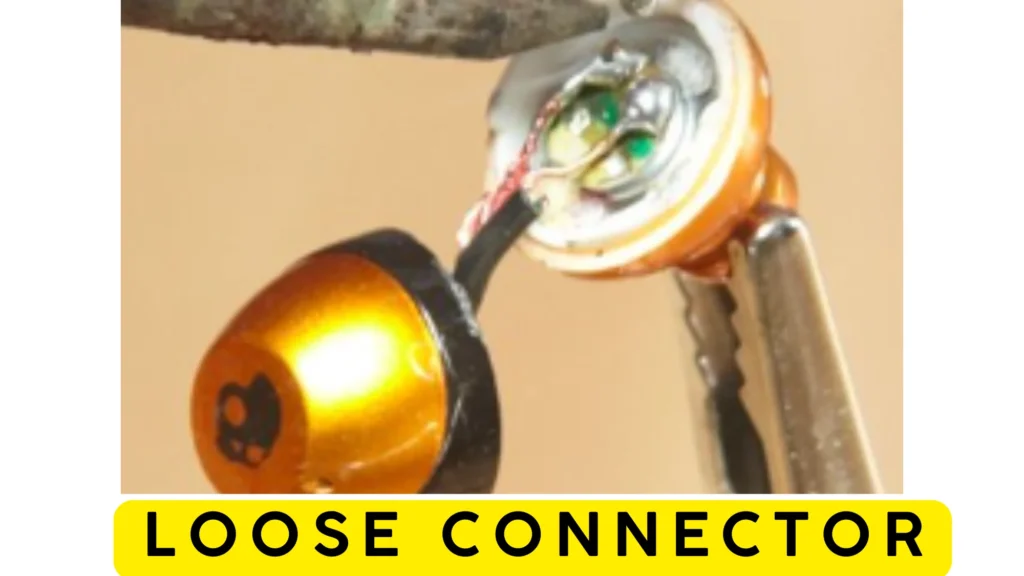
To overcome this issue, buy a new hands-free or move to wireless or Bluetooth earbuds.
Reason 2: Worn-out jack
Sometimes, the jack of the phone got damaged. Because of this, it may cause pausing videos. The phone’s jack may get damaged due to some dirt/debris. It gets rusty due to some moisture. Due to this, it may not connect to the hands-free.
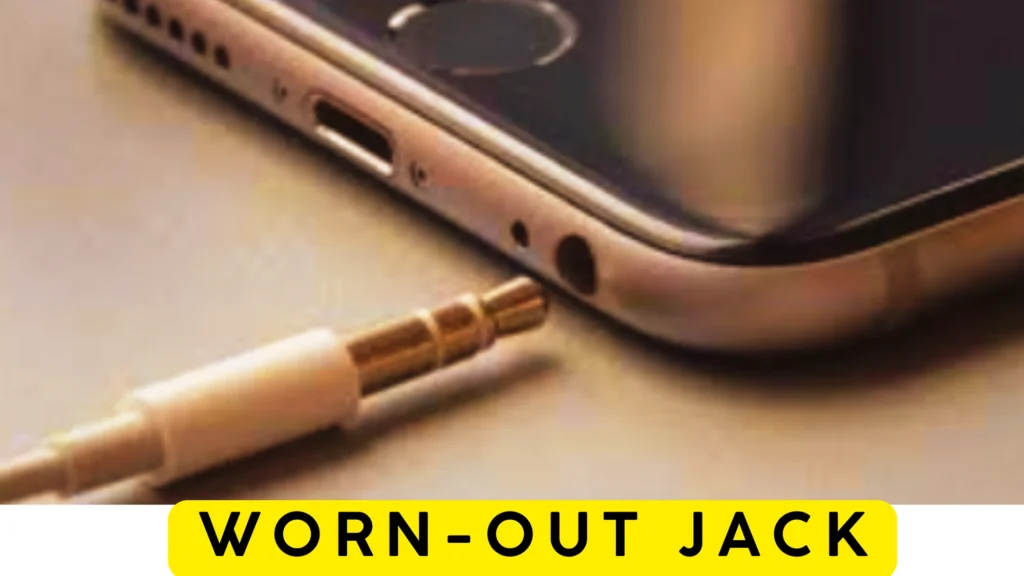
To fix this, you must clean your phone’s jack with some alcohol to clean dirt and rust. After cleaning, it may work properly. But if it does not work after cleaning, it is permanently damaged. To fix a permanently damaged jack, you have to change that damaged jack.
Reason 3: Range of Wireless
In wireless or Bluetooth earbuds, it shows a pausing problem because of the range of the earbuds. As wireless earbuds have a specific range from a mobile or another device in which audio is playing. It works properly, but if it gets out of its range, it shows the pausing problem.
To overcome this situation, you must have to get your mobile into your pocket, and it is another device you should keep that device within the range of earbuds.
Reason 4: Wireless Battery
The wireless earbuds have a battery to charge. If its battery gets low, it will show a pausing issue because it works properly if its battery is full.
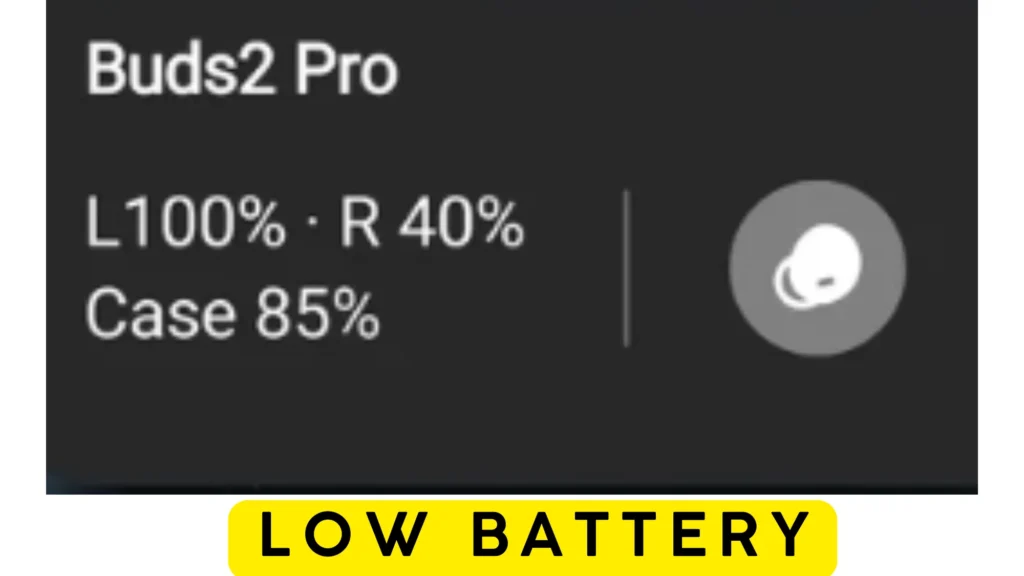
Here’s how to check earbuds’ battery level:
Check the Battery on an Android Phone
If your earbuds are connected to an Android phone, you can usually see the battery level from the Bluetooth menu. Turn on Bluetooth, open your earbuds case, and wait a few seconds. Then open the list of paired devices and tap your earbuds. If the model supports battery reporting, the remaining charge will appear on the screen.
Check the Battery on an iPhone
An iPhone can also display the battery level of compatible earbuds. Keep the phone unlocked and open the charging case near it. A battery window may appear automatically. If nothing pops up, look for your earbuds in the Bluetooth settings to see whether the battery percentage is available.
Check the Battery with the Brand’s App
Many earbud makers have their own mobile apps. After pairing the earbuds, open the app to view the battery level. Some apps show the charge for each earbud separately and also display the battery left in the charging case.
Use the Charging Case Light
Not every pair of earbuds shows an exact battery percentage. In that case, check the small light on the charging case. A green light usually means the battery is in good condition. A yellow or orange light means the charge is getting lower. A red light is a sign that the case needs to be charged.
Check the Battery on a Windows Computer
If your earbuds are connected to a Windows PC, open the Bluetooth settings and select the connected earbuds. Some models will show the remaining battery level next to the device name.
Check the Battery on a Mac
Mac users can find the battery level from the Bluetooth settings. Connect the earbuds, open the Bluetooth menu, and choose the connected device. If the earbuds support this feature, the battery information will be displayed.
If you cannot find the battery level anywhere, your earbuds may not support this feature. In that situation, the charging case light is the easiest way to know when it’s time to recharge.
To avoid this issue, you must get the battery in the earbuds fully charged before its use. Also, listen at a lower volume to avoid draining earbuds’ batteries.
Reason 5: Bugs issue
Another reason your earbuds keep pausing is the bugs. Sometimes, when you update the mobile apps, a bug comes along with the update. It happens only with some video apps. Because the updated version of that app (e.g., Spotify, SoundCloud, YouTube etc.) may no longer be compatible with your device. Because of bugs or updated apps, it will show a pausing issue.
To overcome this issue, you must uninstall the updates and use the older version of that app. You may also change the app which is compatible with your device. You may also solve this by uninstalling the app and reinstalling them to fix this issue. You also solve this by uninstalling the updates. To uninstall updates, follow the below-mentioned steps:
- Open settings from the menu and then navigate Applications.
- Next, open the Application manager from applications.
- Find the app for which updates you want to uninstall.
- Then click on that app, and after that, click uninstall updates.
Reason 6: Poor Internet Connection
If your internet connection speed is low, it will also show this pausing issue because some apps work on the internet. And their performance depends on the speed of the internet. If your internet speed is low, it will show a pausing issue.
To solve this issue, you must have to check your internet connection. You have to contact your internet service provider.
Reason 7: Auto-Pause Feature is Activated
Android and iOS devices have the auto-pause feature in which the video/audio is paused automatically if you remove the hands-free from your mobile. When the soundcard inside your phone detects that the jack is removed, audio/video is auto-paused. When the headphone port is damaged, it cannot properly detect the jack. So, it causes a pausing issue.
To fix this issue, you have to clean the jack of the mobile. If it does not work, then repair it.
Reason 8: Smart Pause function
In some android devices like Samsung Galaxy phones and tablets, another auto-pause feature is available, known as the smart pause feature. In this, your mobile auto-pauses the video/audio by detecting the certain motion and gestures you make.
To fix this you have to disable the smart pause feature in your device. To disable smart pause, follow the below-mentioned steps:
- Open settings on your android and then locate Motion and Gesture in settings. If Samsung device then locates Advanced Features.
- Then tap on the Mute/Pause tab.
- Then find the Smart Pause option and disable it.
- Also, disable other gesture settings if it is enabled.
Reason 9: Dust/debris
One more reason why earbuds keep pausing is the dirt. Sometimes, the jack is hands-free, and its port on the mobile gets dirty because of dust and debris. Mobile does not detect hands-free due to dust, and it causes pausing issues. Also, the Ear wax and dirt can block the sound coming through. It also causes the pausing issue.
To fix this, you have to clean the jack hands-free with its foam and the port of your mobile. Here’s the video:
Reason 10: Interference
Usually, you connect your earbuds with other devices like a tv or another mobile. When Bluetooth on that mobile is turned on, the earbuds start to connect to that mobile. Like other devices, Bluetooth causes interference, and ultimately it causes pause.
To overcome this, you have to disable the Bluetooth of other devices or unpair their Bluetooth from your earbuds.
Reason 11: Compatibility
Sometimes, the Bluetooth version on your device is not compatible with your earbuds. Because of this, it may cause the pausing issue.
To fix this, you should take care while buying the earbuds. It would be best if you had to buy that earbud whose Bluetooth version is compatible with your device.
Reason 12: Defective Headphones
The last reason behind earbuds keeping pausing is the manufacturing defect. The pausing issue may arise because of the defective hands-free. As its cable may be damaged or its jack may damage. It causes the pausing issue as it reconnects and again disconnects the hands-free.be damaged
In this situation, buy a new audio gadget.
Conclusion
The most frustrating and annoying situation is when your music is auto-paused during work and exercise. To solve this issue, clean the jack of your hands-free, clean dust from the hands-free port and keep your device within range in case of Bluetooth.
To avoid interference, turn off Bluetooth from nearby devices or unpair your earbuds from all other devices. It would help if you bought earbuds whose Bluetooth versions are compatible with your device.
Charge the battery of the earbuds before use. Change the app if some update or bugs cause an issue, or try reinstalling that app. Check your internet connection before use. Disable the Auto-Pause and Smart Pause features if activated.