
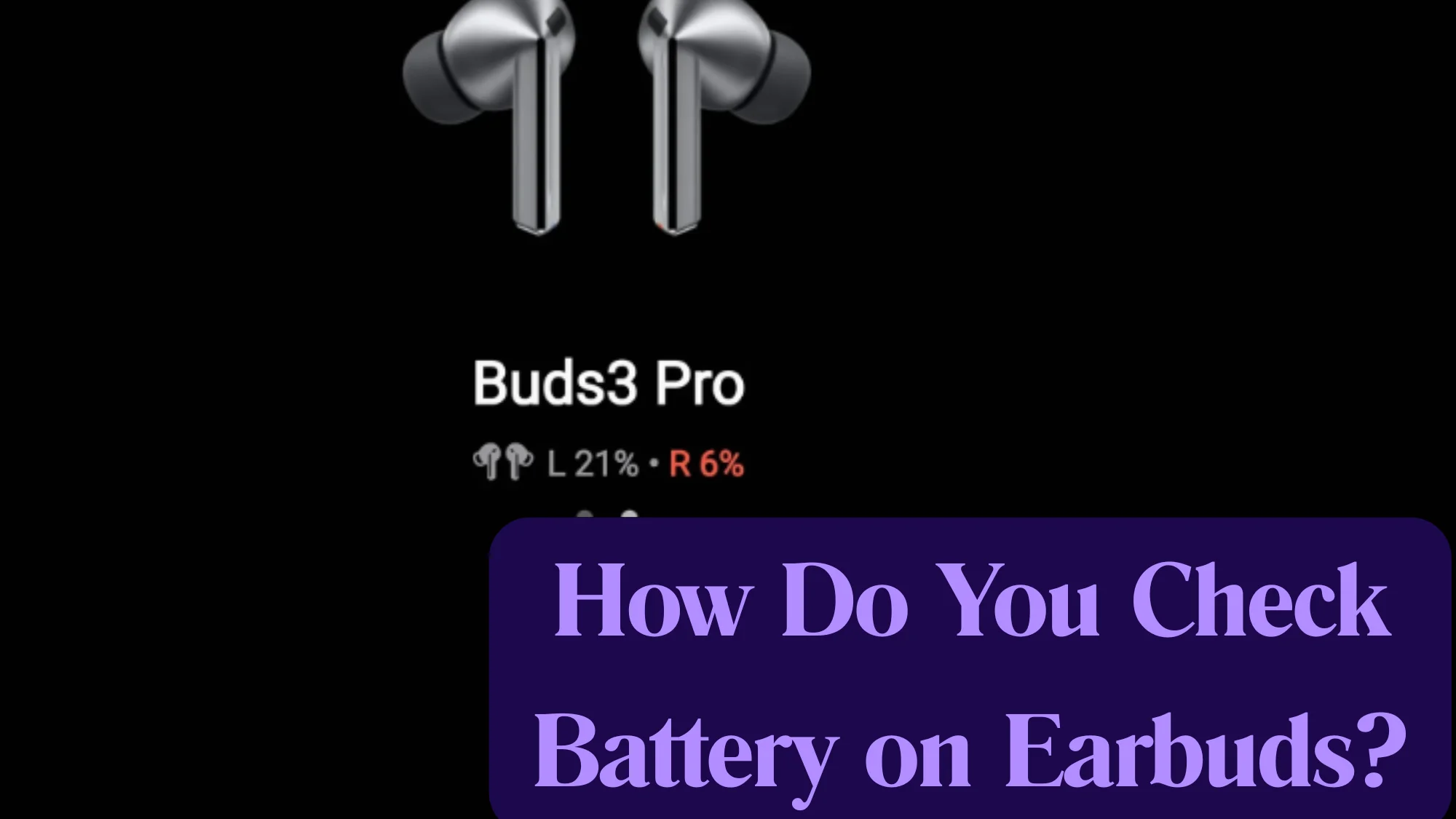
How Do You Check Battery on Earbuds? 4 Easy Methods
Wondering How do you check battery on earbuds? Well, it is super important you know how to do this if you want them to use your earbuds without any interruption.
Here’s the answer:
You can check the battery on your earbuds by going to Settings, opening Bluetooth, and tapping on their name. There, you will see the battery level of your earbuds. You can also check the battery status from a laptop, official Apps, and by checking what color of light is coming out of the earbuds’ case.
Want complete info? In this guide, I am exploring four easy ways to check your earbuds’ battery in detail.
Checking Battery on Earbuds- Easy Ways
There are four different ways in which you can accurately check the battery of your earbuds. Each of them is really simple as the whole process won’t take more than a minute or two.
Method 1: From Settings
The first and most followed way to check the earbuds’ battery is from the mobile’s Settings.
- First, open the Earbuds case. Then, turn on the mobile’s Bluetooth and allow them to pair.
- Next, open “Settings.”
- Tap on “Bluetooth.”
- Tap on your Earbuds’ name. You will then see the battery status of your audio gadget.

Important Note: If you are using the earbuds for the first time or haven’t paired them with your mobile yet, then they won’t pair automatically.
So, do these steps to pair the earbuds:
- Open the case.
- Open “Settings.”
- Go to “Bluetooth.” Turn on the toggle.
- After turning on Bluetooth, you will see different devices within Bluetooth range. Tap on your earbuds. After a few seconds, they will pair with your mobile.
Method 2: From Notifications Bar
The easiest way to check the battery of earbuds is from the notification bar.
- Open the case and Pair your earbuds with your mobile.
- Swipe down to open the notifications center. Below the Bluetooth icon, you will see the Battery status.
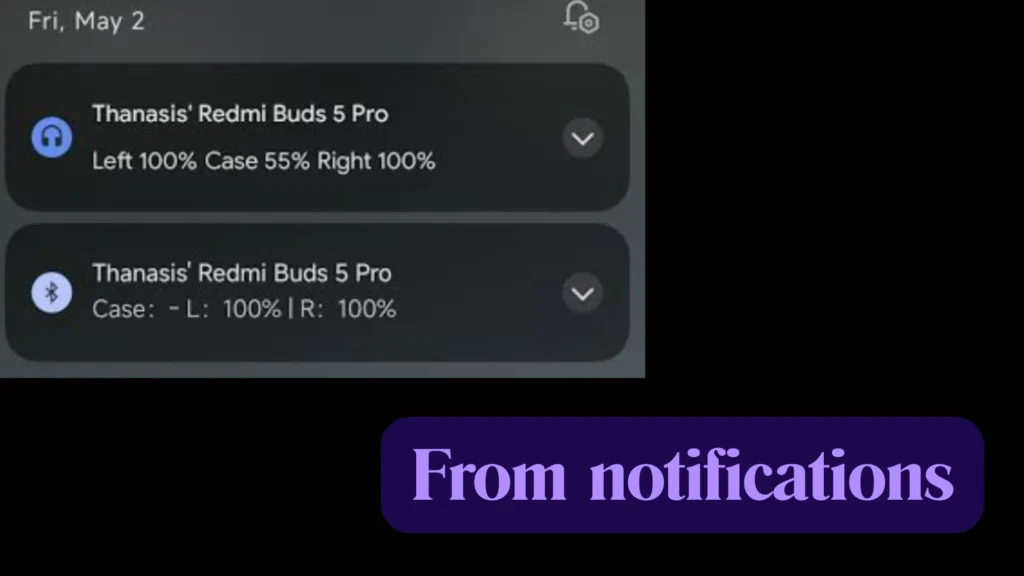
Similarly, a lot of earbuds show the battery status for a split second on the bar or screen when you pair them with your mobile.
Method 3: Via Apps
Top brands that manufacture high-quality earbuds have also launched their apps, with which you can also find out about the battery life.
For example, Samsung has the Samsung Gear App, which you can use to check the battery status of your Galaxy earbuds.
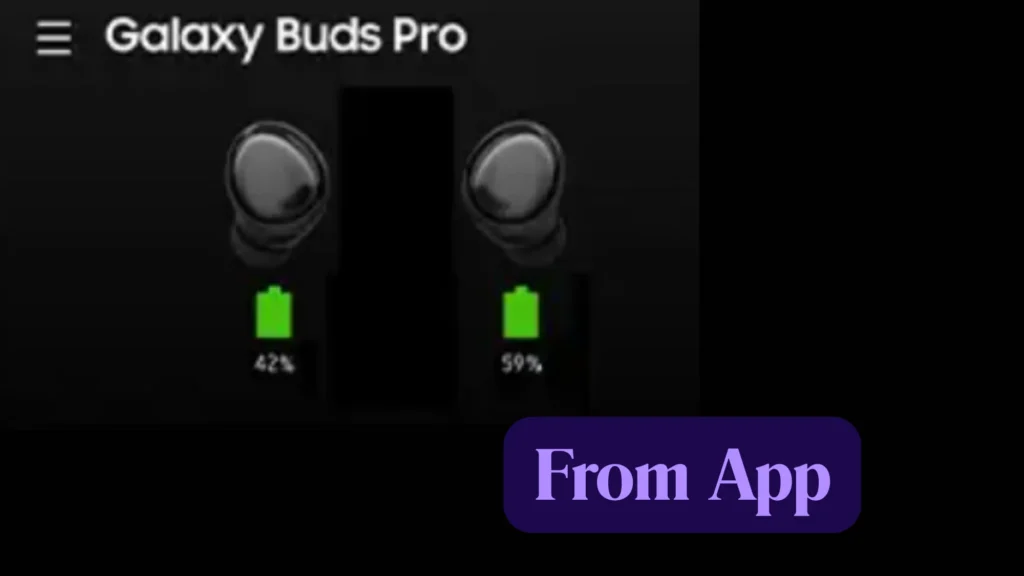
No matter which brand of earbuds you are using, the process is the same when it comes to checking the battery. You will have to download the app, sign up, and then the details about your wireless audio gadget will be on the screen.
However, note that it is not a go-to method for every expensive audio device you see. There are chances that the brand of earbuds you are using doesn’t have an App with which you can check the battery life. In that case, follow the other methods.
Method 4: Checking the Battery on a PC
If you have AirPods, then there is another easy way to check the battery life of your earbuds. For this, you will need a Mac.
- Pair your AirPods with Mac.
- Open Mac’s screen Desktop. On the top, you will see a Bluetooth icon. Click on it.
- When you click on Bluetooth, you will see different things, and AirPods battery life is one of them.
If you are using any other earbuds, then you can check their battery status from any laptop/PC.
- Pair your earbuds with your laptop.
- On the search bar located on the bottom left, type “Bluetooth.”
- Open Bluetooth, and you will see your earbuds there. Click on it and check out the remaining battery life.
Did you notice that all of these methods required you to pair your earbuds with a device? Well, it is crucial you do this if you want to know the battery life “accurately.”
But wait. If you don’t want to connect your earbuds, then there is still a way to find out how much battery is left in them.
How To Know Earbuds Battery Status Without Pairing?
Earbuds also let users guess the battery percentage even if they don’t pair them with any device. For this, you will have to observe what light is coming out of their case.
Generally, there are two kinds of lights that the case emits- Green and Amber.
Green
If you open the earbuds case and see the Greenlight, then it means that there is sufficient battery left (more than 80 percent). So, you can use such audio devices for more hours.
Amber/Orange/Red
When you open your earbuds and see the Amber or orange light, it means that the battery level is low, and you should charge them as soon as you can before they shut down.
If the battery level is really low (below 20 %), then earbuds start to beep. When you hear beeping, you should just put them back in the case and let them charge to 100 percent before you use them again.
No Light
When you open the case and see no light, it means that the earbuds are shut down from low battery.
Here’s the full video on it:
Why Is My Earbuds Battery Draining So Fast?
If your battery is dying quickly, it usually comes down to settings or the age of the device.
- ANC and Features: Features like Active Noise Cancellation (ANC) or “Transparency Mode” use a lot of power because they constantly monitor your surroundings. Turn these off when not needed.
- High Volume: Running your music at maximum volume drains the battery much faster than listening at 50% or 60%.
- Bad Connections: If your phone is far away or there is lots of interference, the earbuds work harder to keep the Bluetooth connection steady, which wastes power.
- Old Batteries: Just like a phone, earbud batteries lose their health over time. If they are a few years old, they simply cannot hold as much charge as they used to.
- Case Issues: Sometimes the pins in the charging case get dirty, so the earbuds aren’t actually charging while they sit in the case. Wipe the charging points with a dry cloth.
Why Are My Earbuds So Quiet?
If your earbuds sound faint, try these quick fixes to get the volume back:
- Clean the Mesh: This is the most common reason. Earwax or lint often gets stuck on the tiny speaker screen, blocking the sound. Use a soft, dry toothbrush to gently clean the mesh.
- Check Both Volumes: Your phone and your earbuds often have separate volume settings. Make sure you have turned up the volume on both your phone and using the touch controls on the earbuds themselves.
- Fix the Seal: If the ear tips are too small, sound leaks out. Try the larger ear tips to create a tight, snug fit in your ear canal.
- Software Limits: Check your phone’s sound settings for a “Volume Limiter” or “Hearing Protection” feature. If it is turned on, it will keep your music at a lower level automatically.
Final Words
All-inclusive, you can check the earbuds’ battery easily. You should first pair your Bluetooth audio device with your mobile or PC and then go to the Bluetooth settings. There, you will see your wireless audio gadget and the remaining battery life.
In addition, you can also check the battery from the notifications bar and from the official apps too.
Also, watch out for what color of light is coming out of the case. If it is green, then the charging is high. If it is Amber, then plug in the charger.
That’s all about how you check the battery of your earbuds!